Wedding Planning
Wedding Planner for Professionals
$19.00
Buy on Etsy · $19.00What's inside
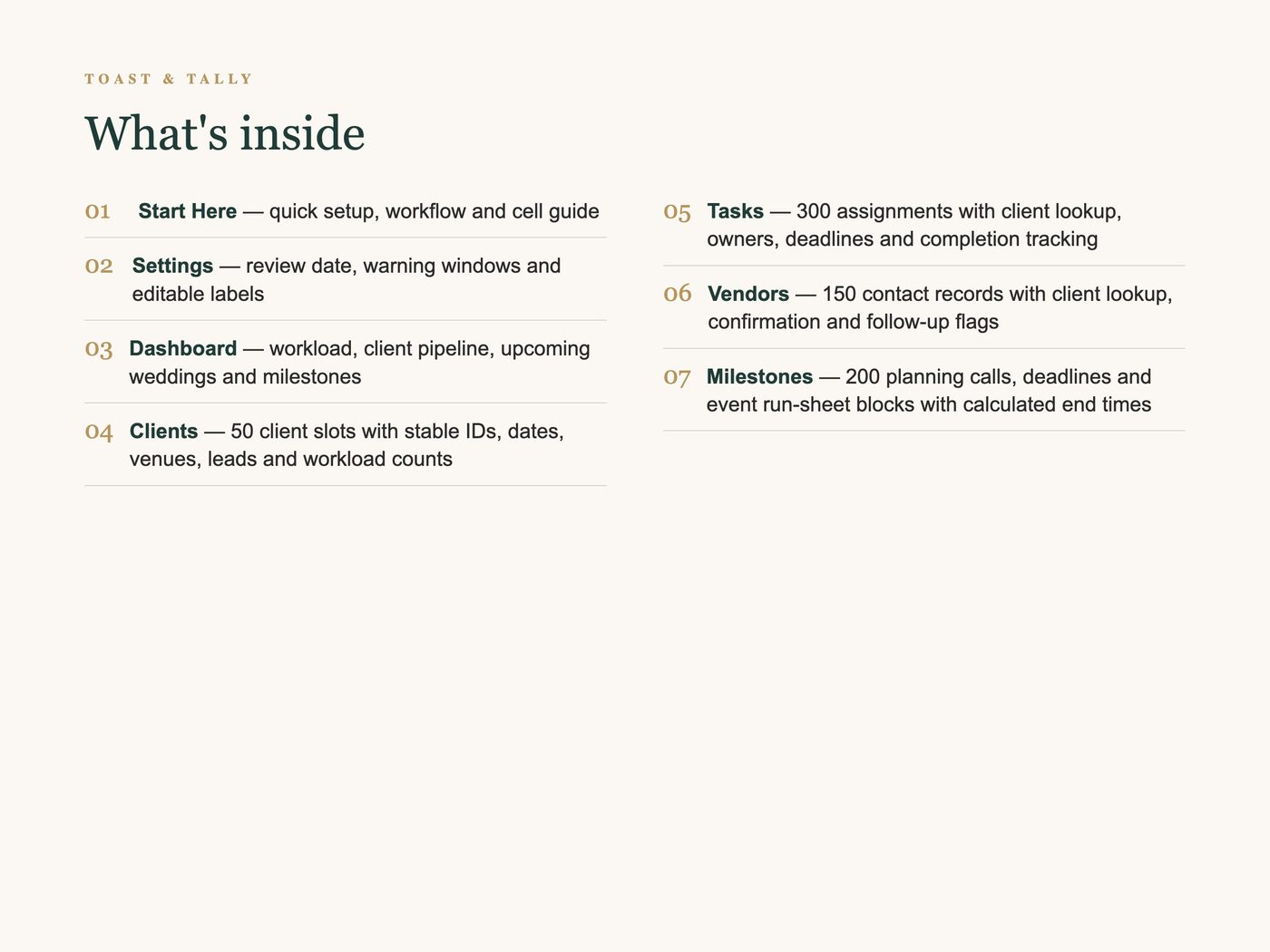
- Start Here — quick setup, workflow and cell guide
- Settings — review date, warning windows and editable labels
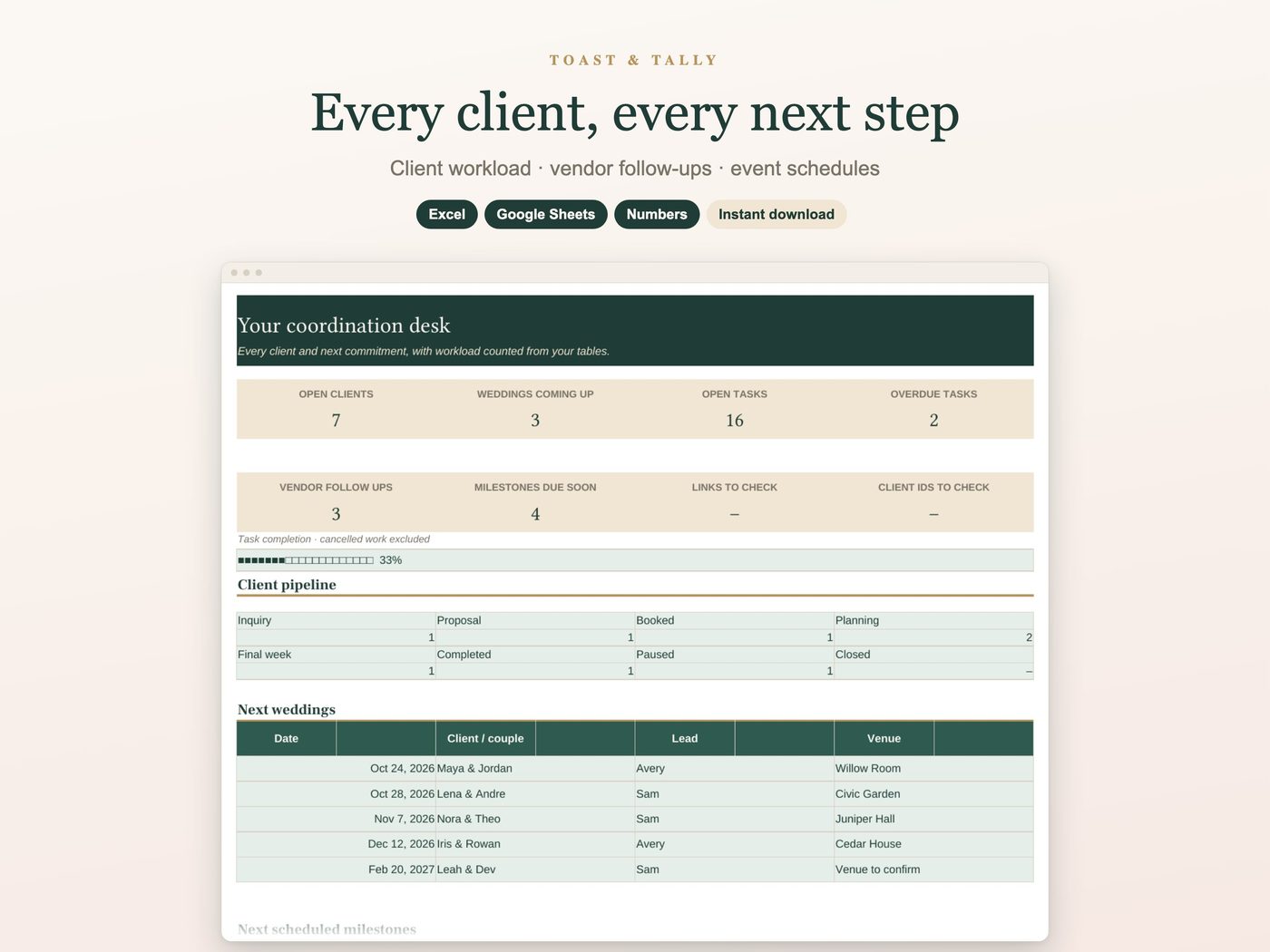
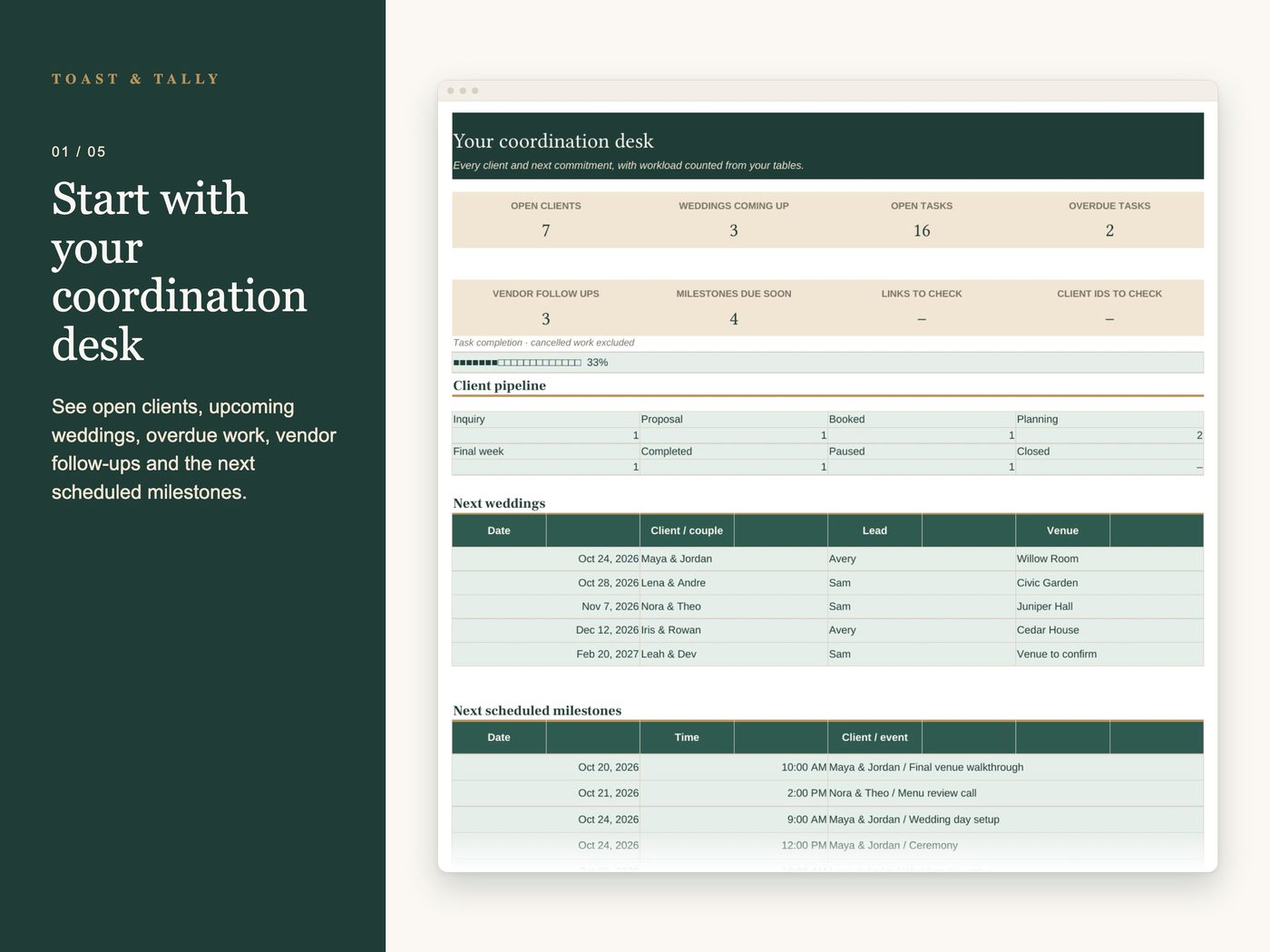
- Dashboard — workload, client pipeline, upcoming weddings and milestones
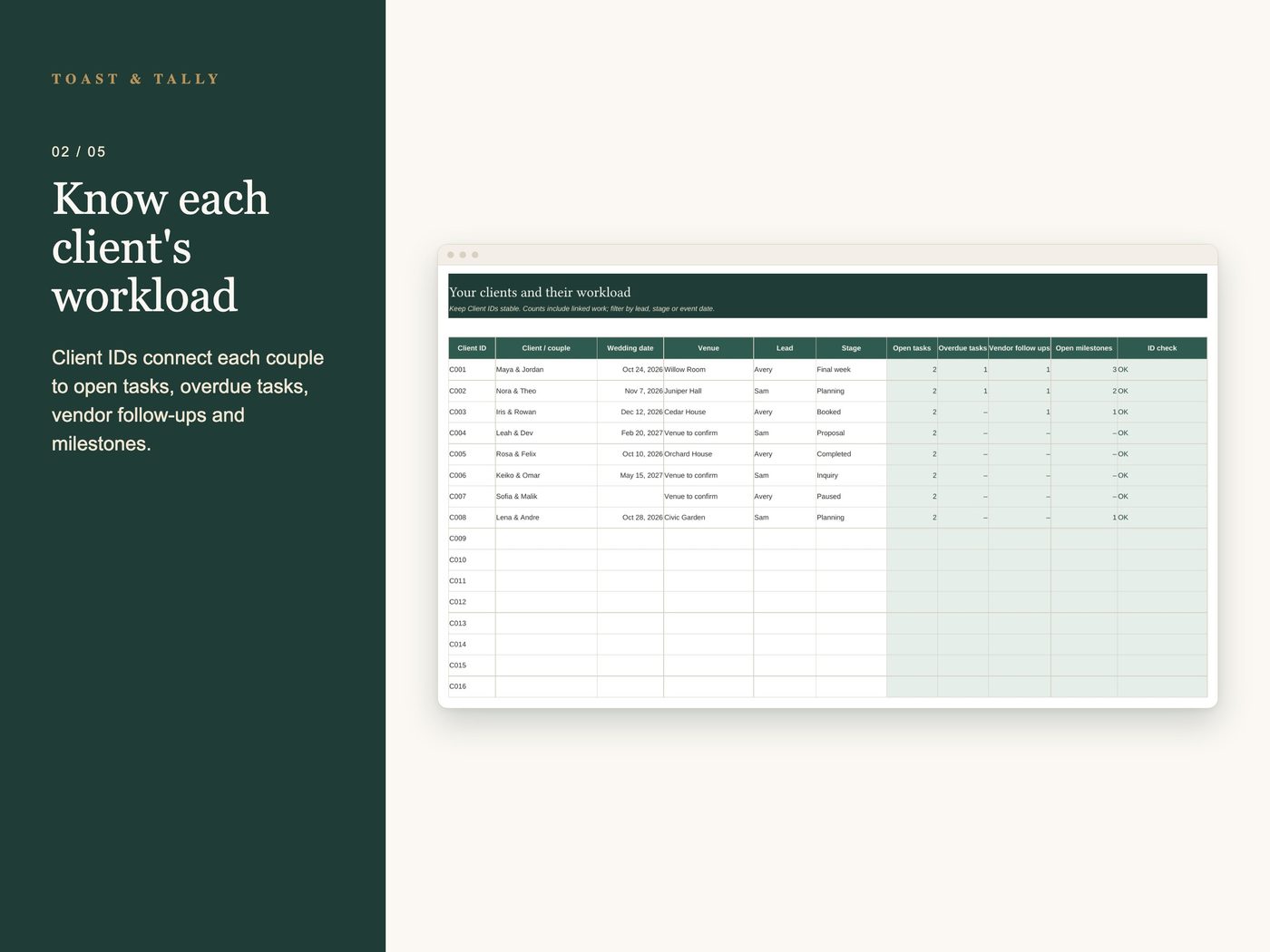
- Clients — 50 client slots with stable IDs, dates, venues, leads and workload counts
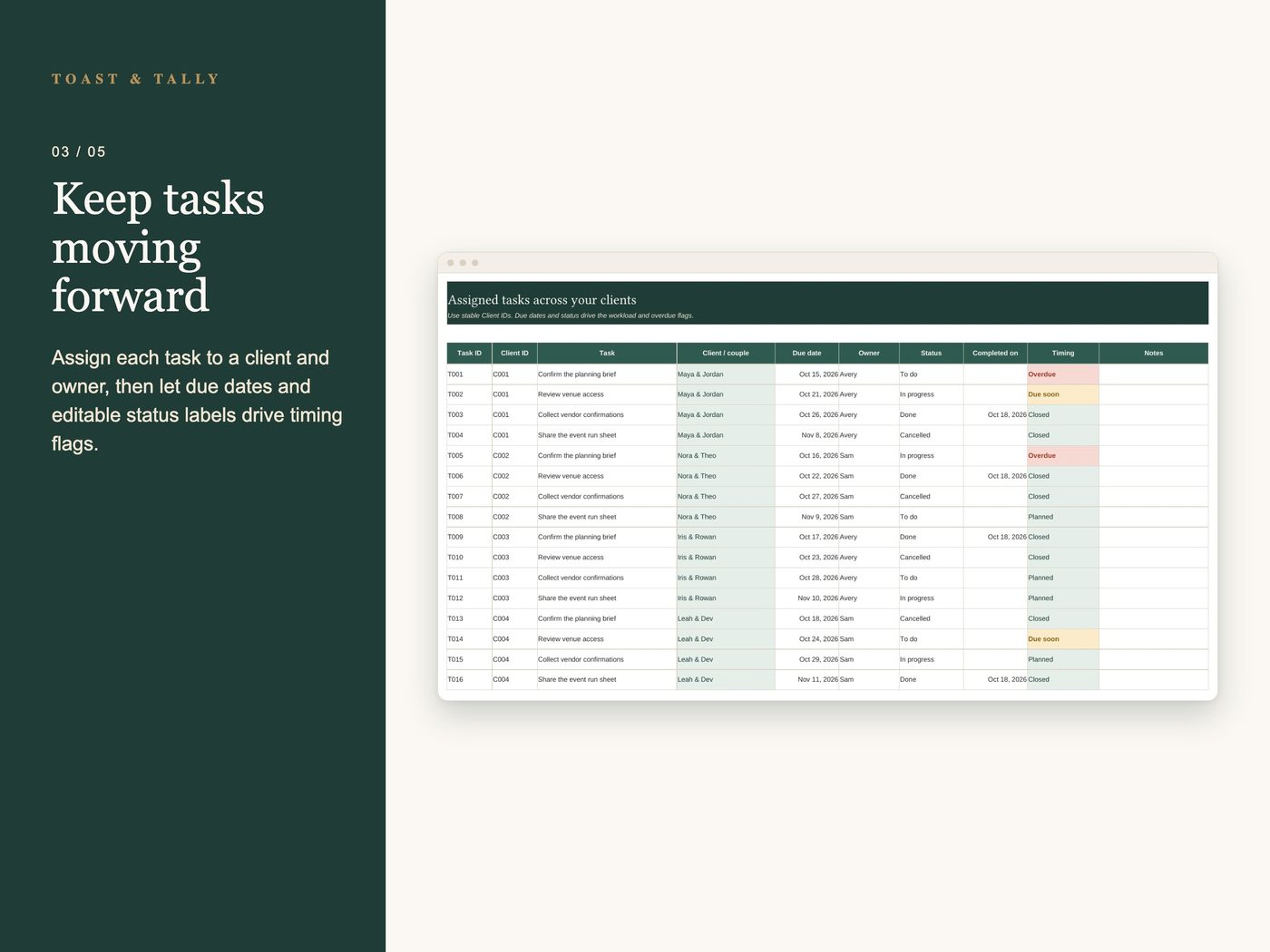
- Tasks — 300 assignments with client lookup, owners, deadlines and completion tracking
- Vendors — 150 contact records with client lookup, confirmation and follow-up flags
- Milestones — 200 planning calls, deadlines and event run-sheet blocks with calculated end times
Details
Coordinate several weddings from one working spreadsheet. Keep your client pipeline, assigned tasks, vendor contacts and event schedules linked by stable Client IDs, with a dashboard showing what needs attention next.
WHAT YOU GET
• 50 client slots for each couple's wedding date, venue, lead and stage
• Automatic workload counts per client: open tasks, overdue tasks, vendor follow-ups and open milestones
• 300 tasks with Client ID, automatic couple lookup, owner, due date, status and completion date
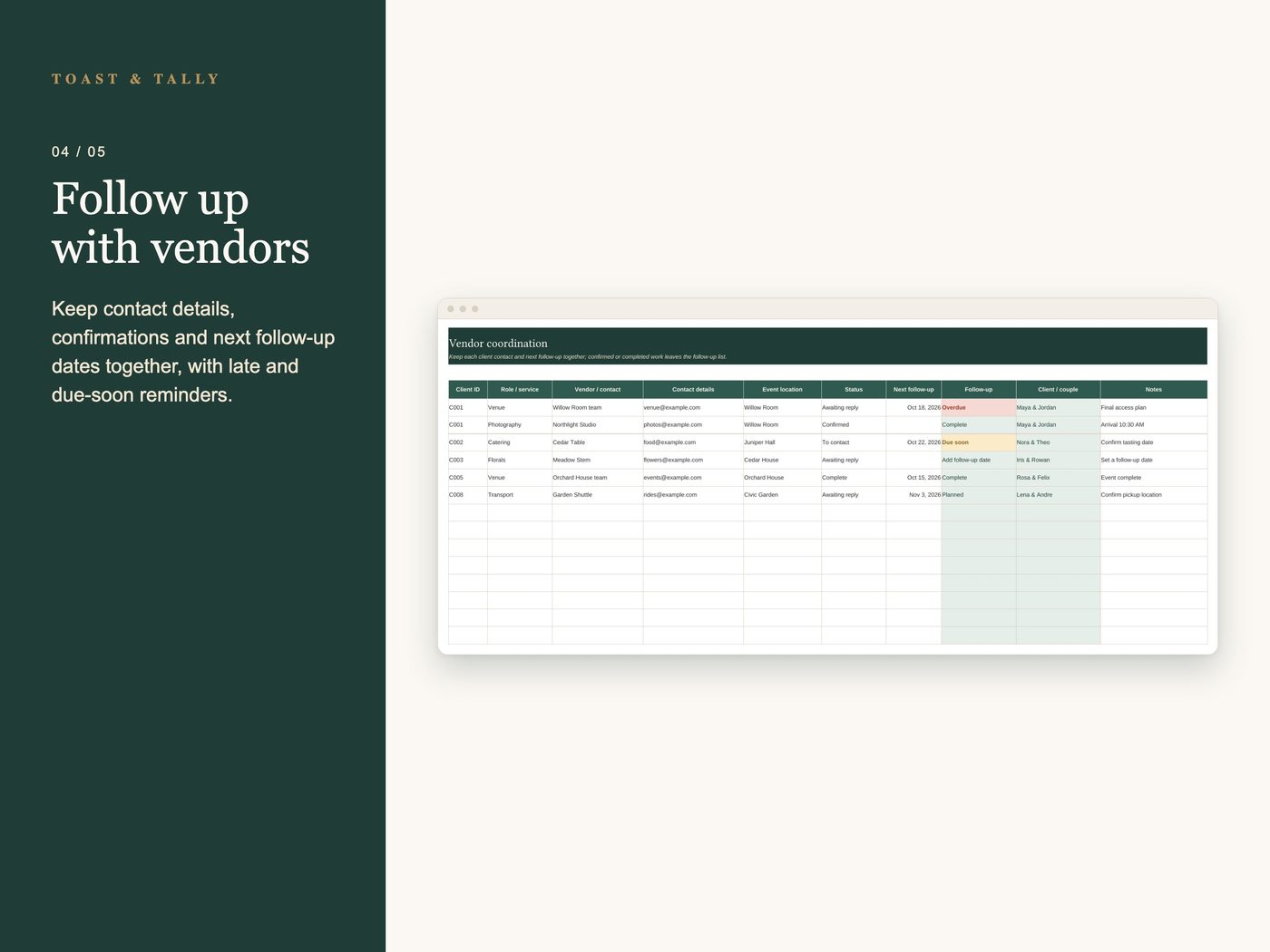
• 150 vendor contact records with service, contact details, event location, confirmation and next follow-up date
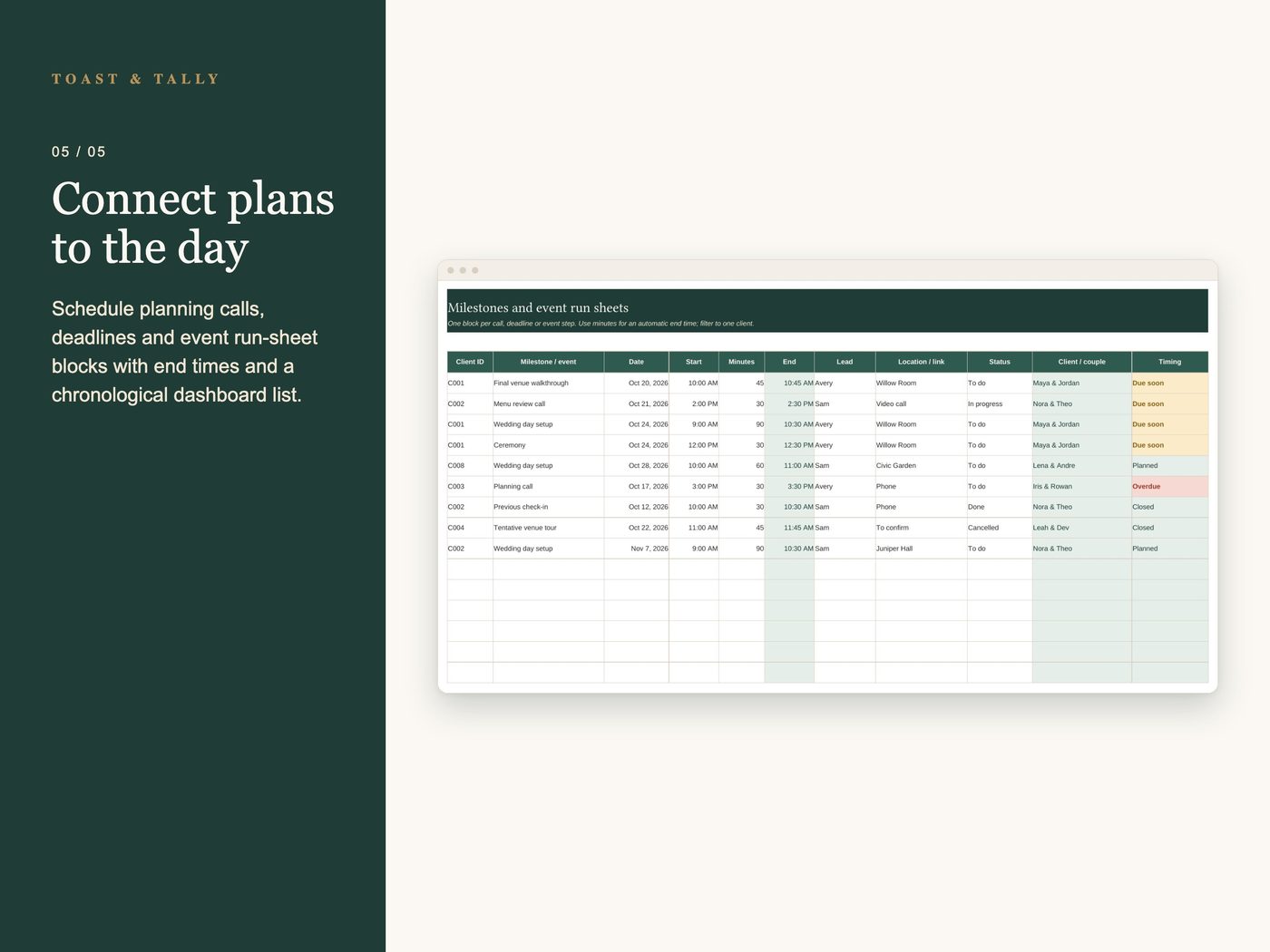
• 200 milestone and run-sheet blocks for calls, deadlines, walkthroughs and event-day steps
• Calculated milestone end times from start times and minutes
• Dashboard with client stages, upcoming weddings, overdue tasks and the next six scheduled milestones in date and time order
• Warnings for duplicate or missing client links and work with missing dates
HOW IT WORKS
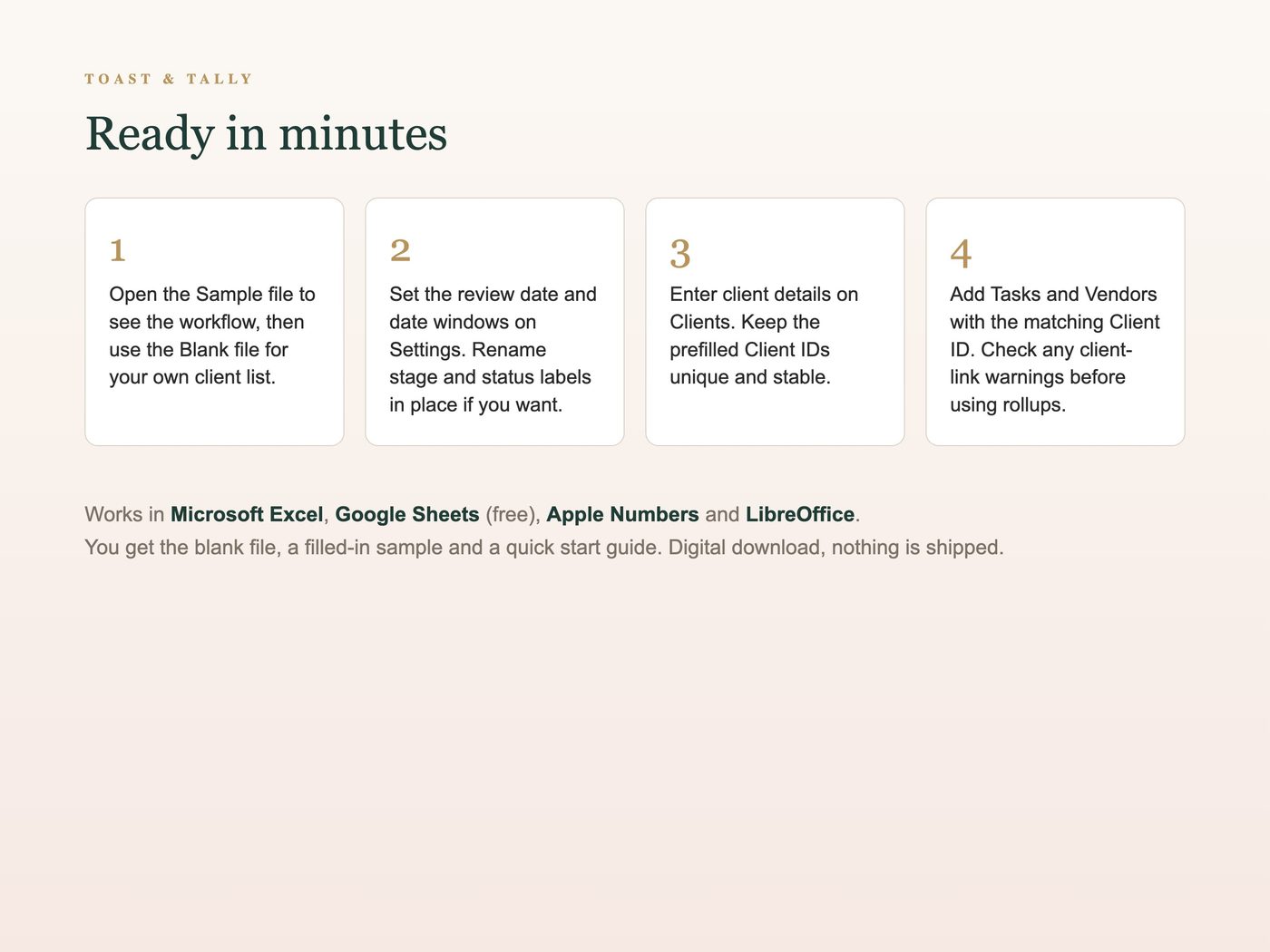
1. Set your review date and date windows on Settings; rename stages and statuses in place if needed.
2. Add clients, then assign their Client IDs to tasks, vendors and milestones.
3. Update the work as it progresses and check the Dashboard for upcoming commitments and follow-ups.
FEATURES
• Client names fill in from IDs so each row stays connected to the right wedding
• Due-soon and overdue flags follow the review date you choose
• Confirmed or completed vendor work leaves the follow-up count
• Completed and cancelled tasks leave open-work counts
• Filter any working table to one client, lead, owner, status or date
• Empty rows stay clean until you use them
• Separate Blank and fictional Sample workbooks
PLEASE NOTE
This is a coordination planner. It does not handle accounting, invoicing, contracts or client payments. Keep Client IDs unique and unchanged after linking work. Choose labels before adding work. If you rename them later, update existing entries too; keep labels in their original Settings rows so their roles stay consistent. Times use one local event time zone; record time-zone details in notes when needed. Sample couples, venues and vendors are fictional.
WORKS WITH
Microsoft Excel (desktop or 365), Google Sheets (free), Apple Numbers and LibreOffice. Best on a computer or tablet.
WHAT YOU RECEIVE
• Wedding Planner for Professionals - Blank.xlsx, ready for your clients
• Wedding Planner for Professionals - Sample.xlsx, filled with fictional example work
• A quick start guide (PDF)
This is a digital download. Nothing is shipped. For your own planner or coordinator business and client planning; do not resell or distribute the template files.
QUESTIONS?
Message us on Etsy. We're happy to help you get set up.