Group Trips
Road Trip Planner
Planning a road trip with friends? Estimate fuel and tolls for every leg, keep track of who rode how far, and split the real costs fairly, down to the cent.
$7.00
Instant digital download · Blank and sample .xlsx workbooks + PDF quick-start guide. Use in Excel or Google Sheets. Nothing is shipped.
Buy on Etsy · $7.00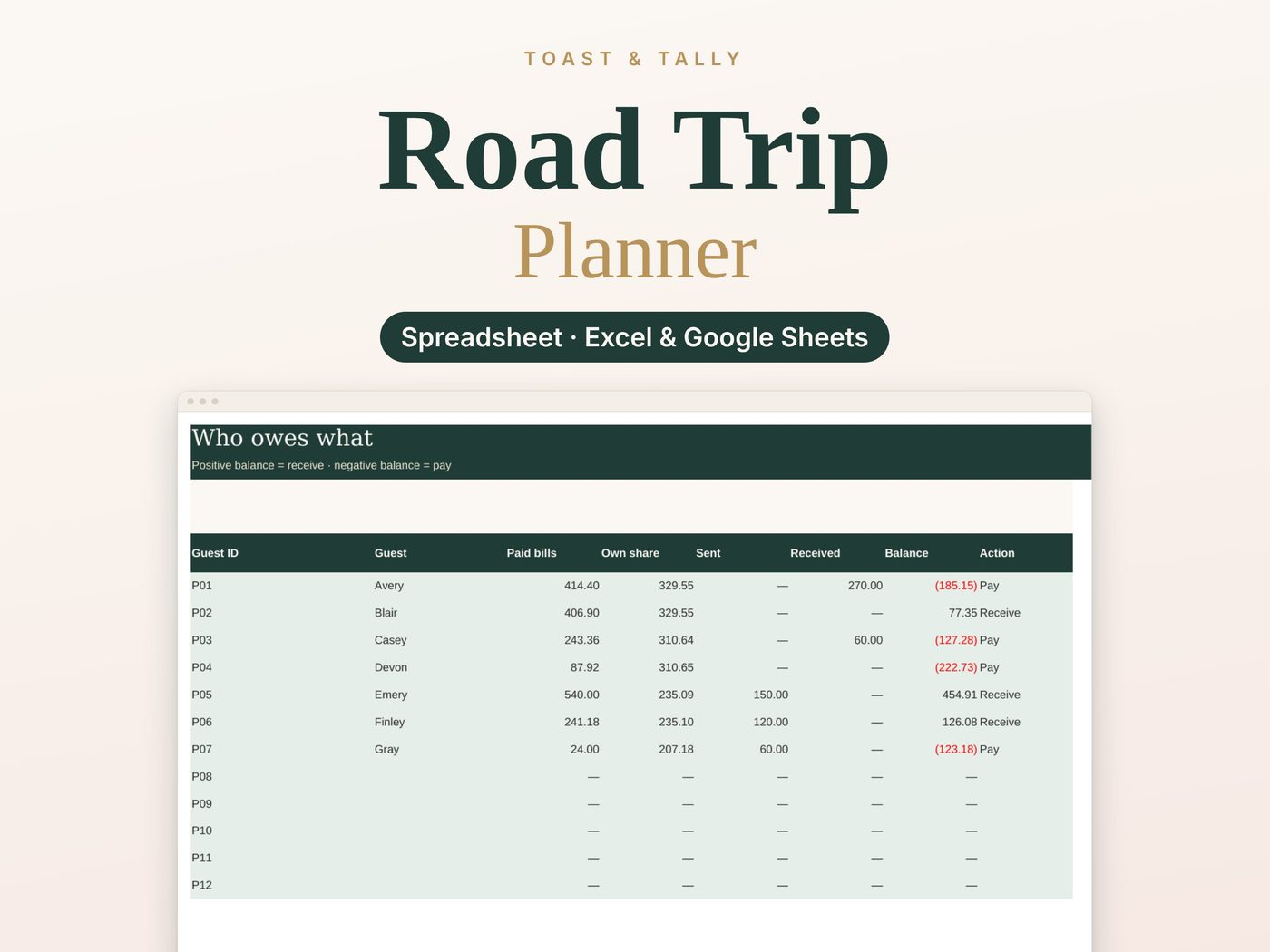
See the product
What's inside
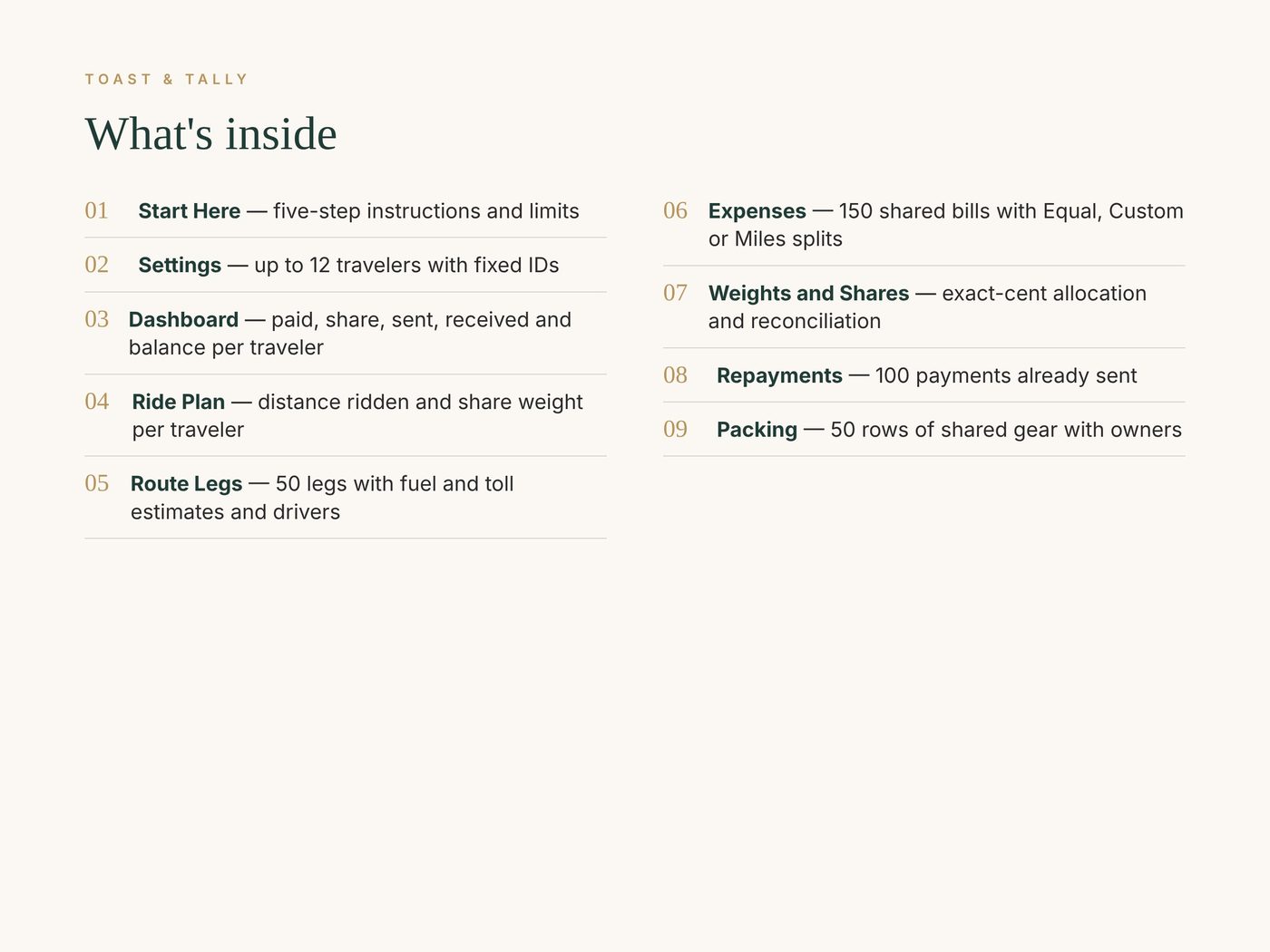
- Start Here — five-step instructions and limits
- Settings — up to 12 travelers with fixed IDs
- Dashboard — paid, share, sent, received and balance per traveler
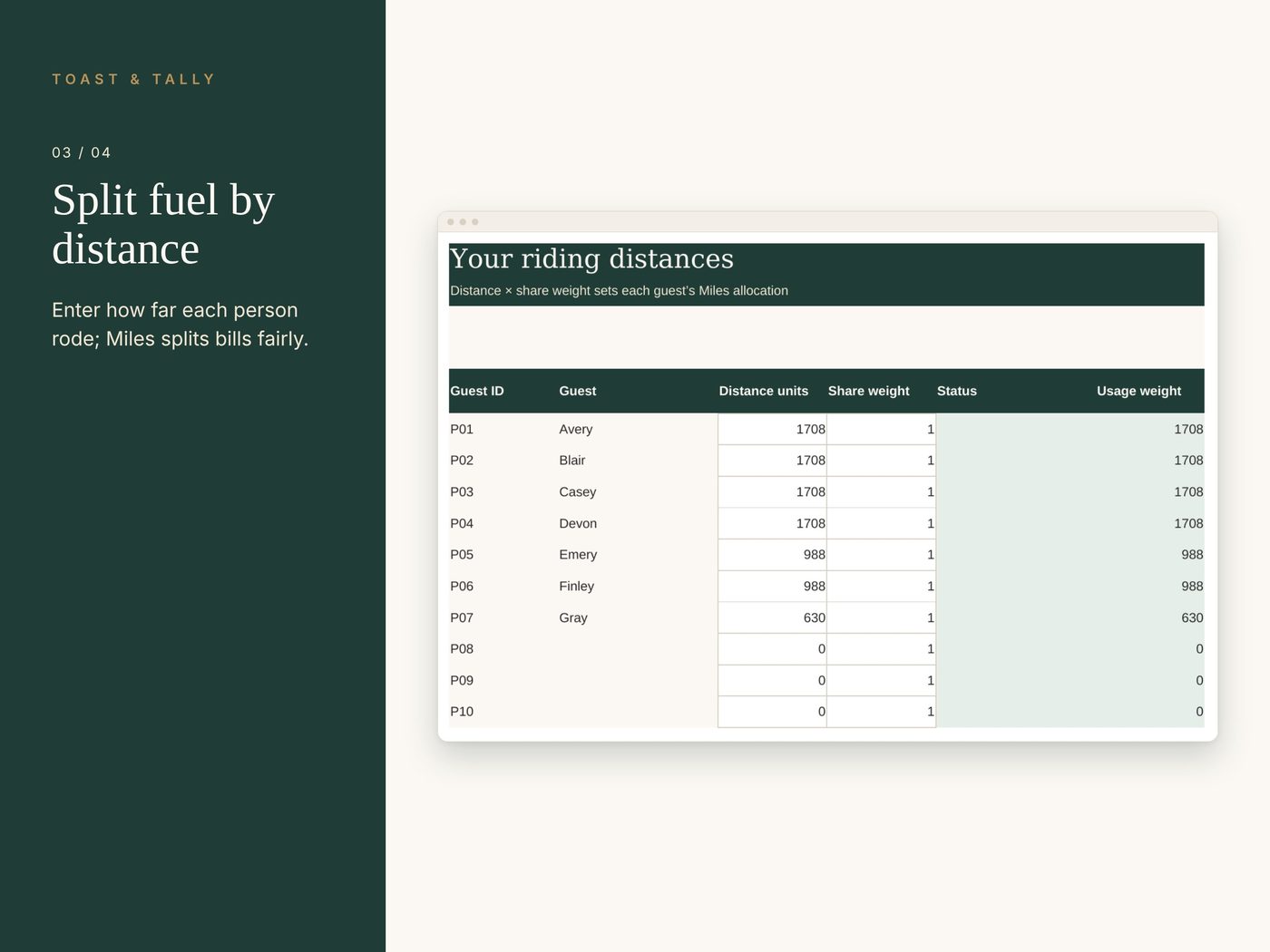
- Ride Plan — distance ridden and share weight per traveler
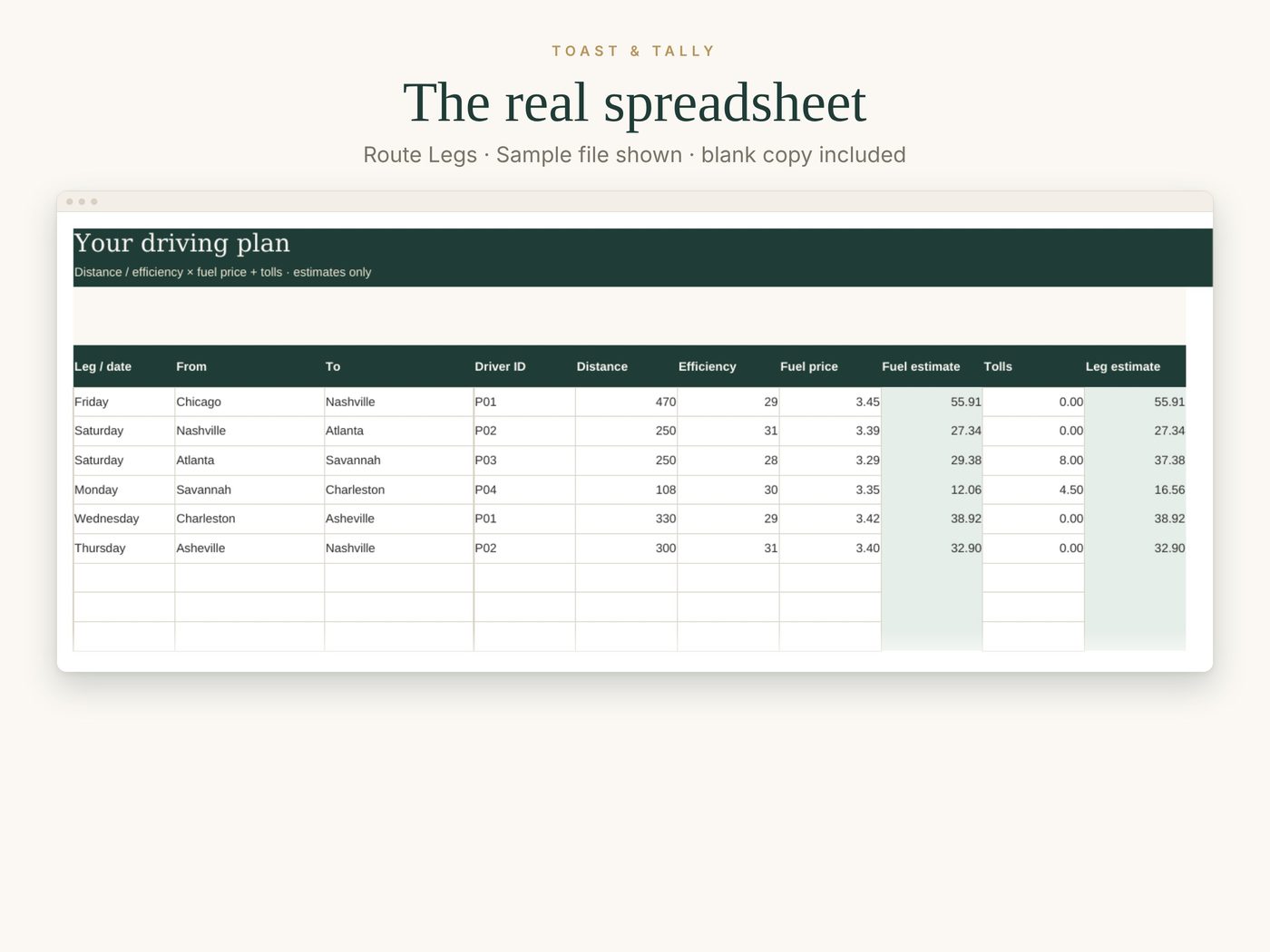
- Route Legs — 50 legs with fuel and toll estimates and drivers
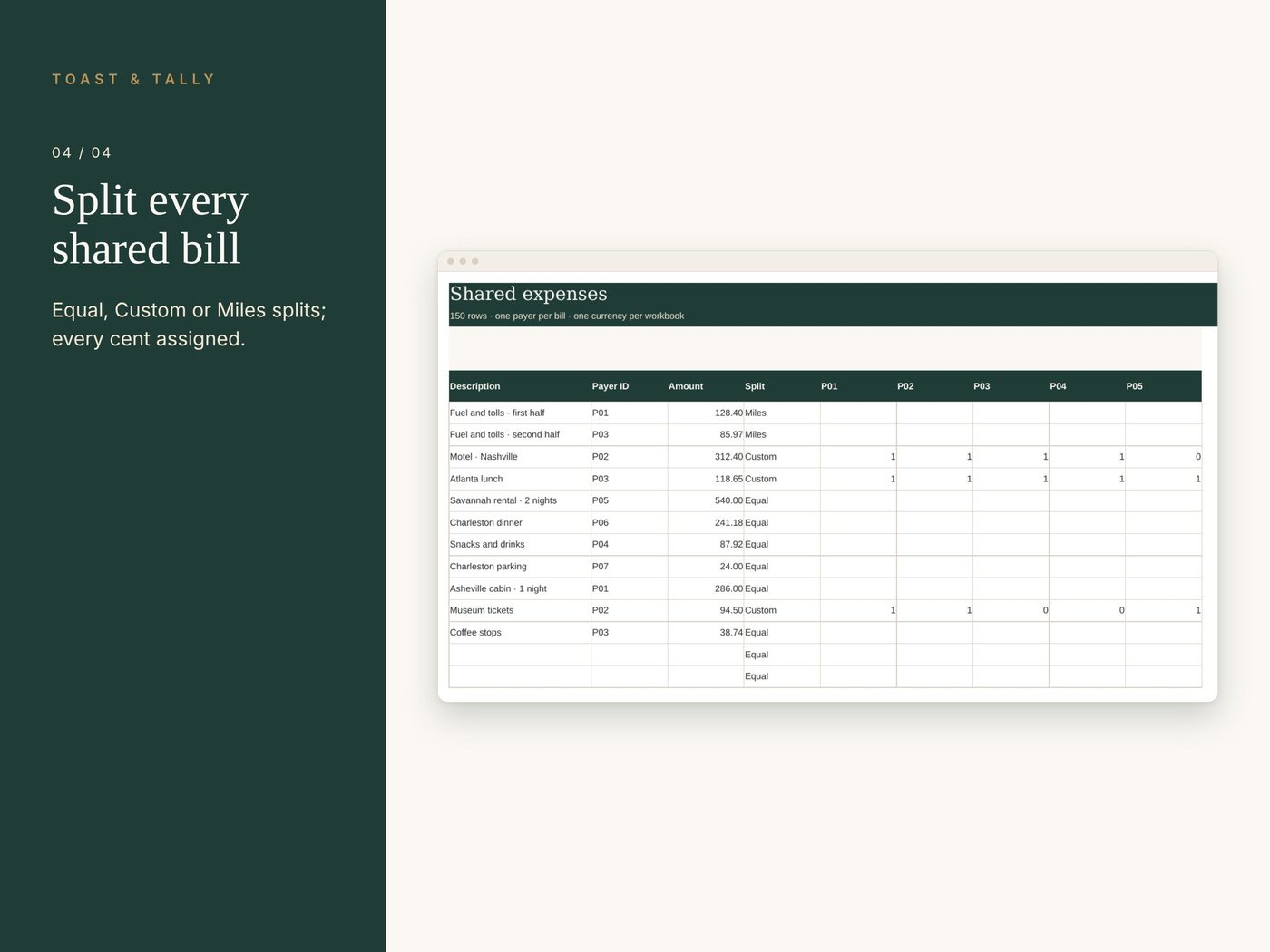
- Expenses — 150 shared bills with Equal, Custom or Miles splits
- Weights and Shares — exact-cent allocation and reconciliation
- Repayments — 100 payments already sent
- Packing — 50 rows of shared gear with owners
Details
Planning a road trip with friends? Estimate fuel and tolls for every leg, keep track of who rode how far, and split the real costs fairly, down to the cent.
WHAT YOU GET
• Settings tab for up to 12 travelers with fixed IDs P01 to P12, so duplicate first names never get mixed up
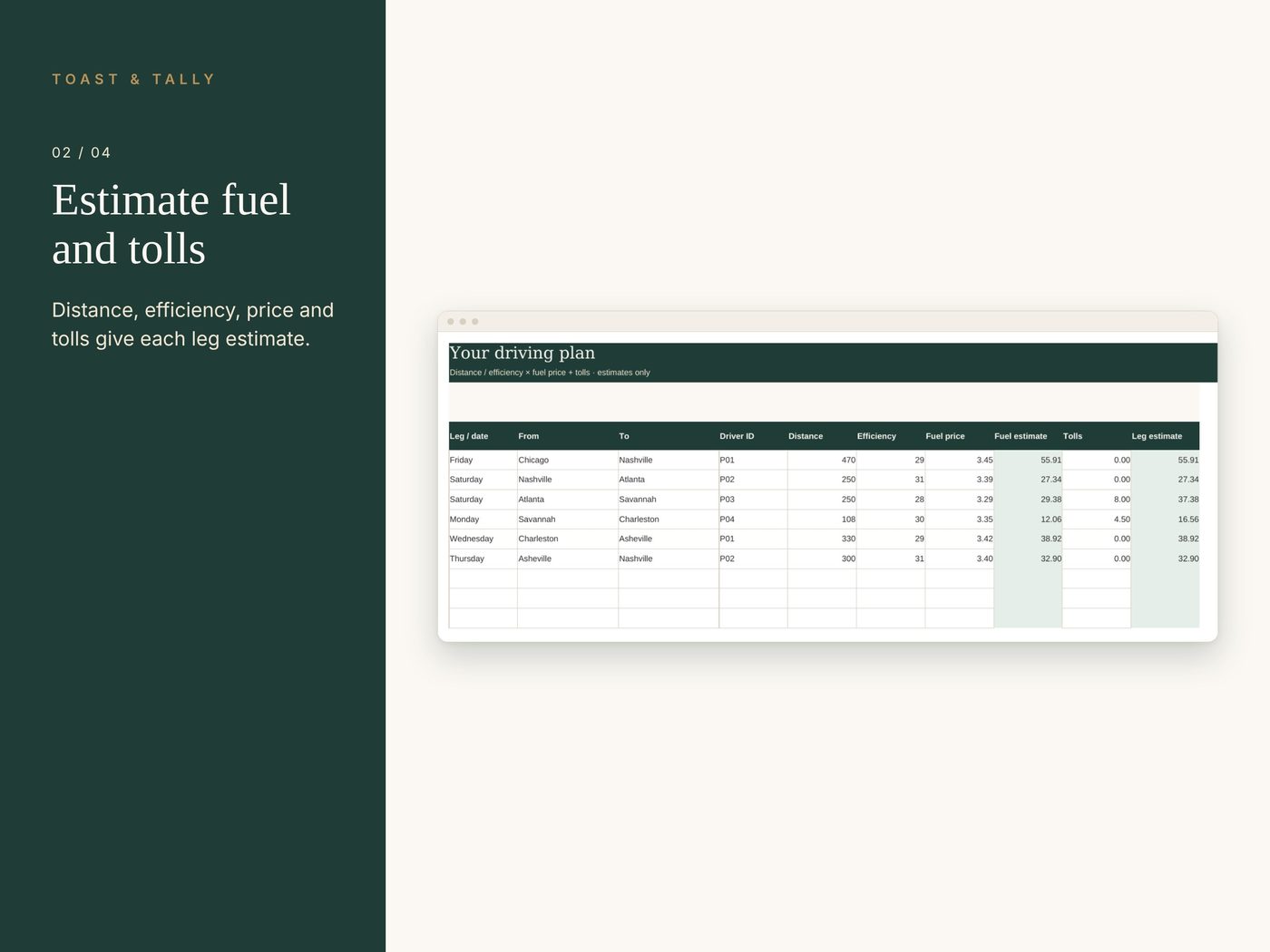
• Route Legs tab for 50 legs: distance, fuel efficiency, fuel price and tolls give a leg estimate and a driver for each leg
• Ride Plan tab: enter how far each traveler rode, and the Miles split divides a bill by distance times share weight
• Expenses tab for up to 150 shared bills with Equal, Custom or Miles splits (a weight of 0 leaves a traveler out)
• Shares and Weights tabs that work out each share to the exact cent, with every cent accounted for
• Repayments tab for up to 100 payments already sent, plus a Dashboard with who pays and who receives
• Packing tab with 50 rows for shared gear and tasks, owners, quantities and a Packed? column
HOW IT WORKS
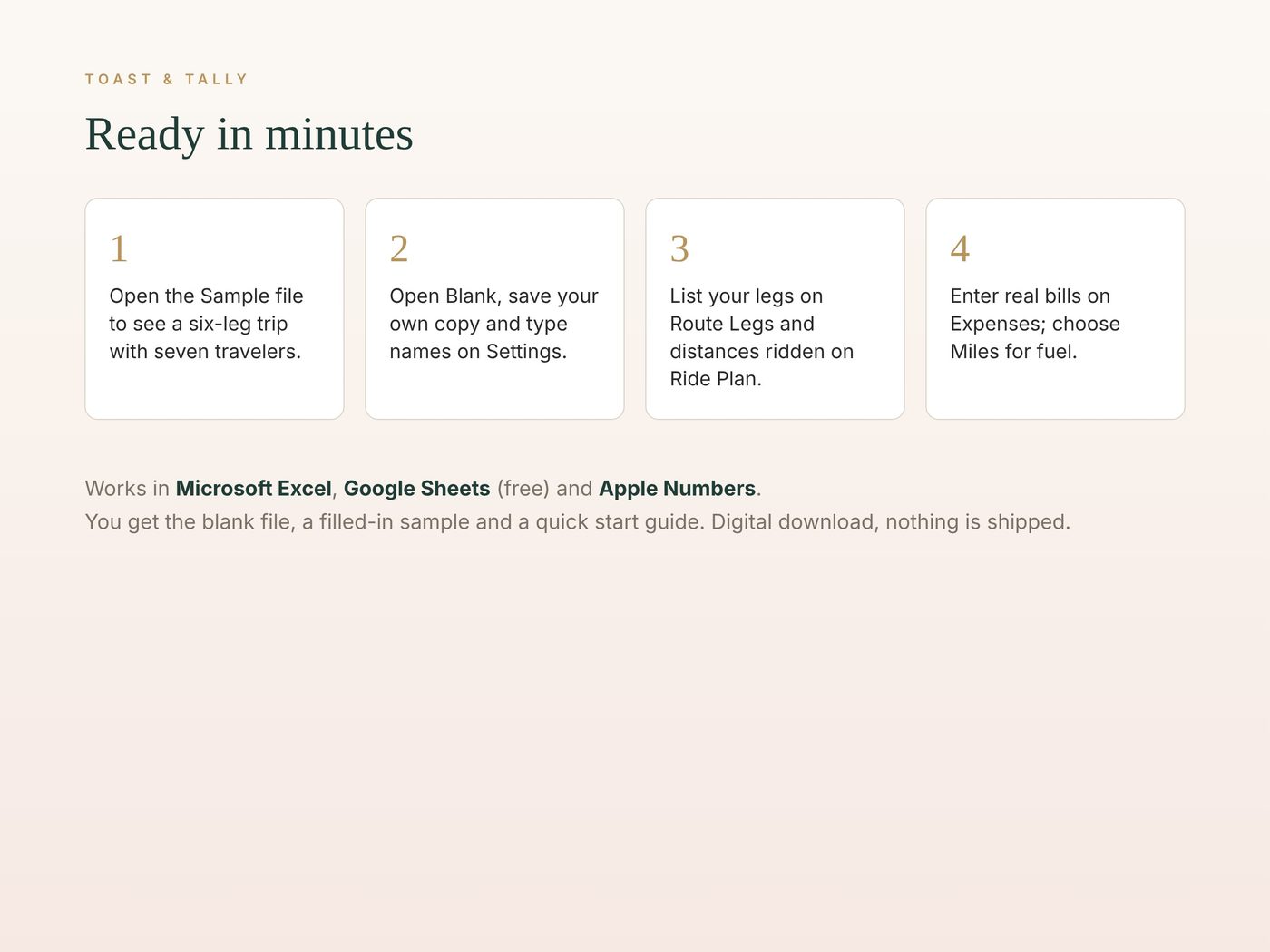
1. Open Sample.xlsx to see a 7-person, six-leg trip with 11 shared bills.
2. Open Blank.xlsx, save your own copy and type names on Settings.
3. Enter your legs on Route Legs and how far each person rode on Ride Plan.
4. Add real bills on Expenses (use Miles for fuel) and read Pay or Receive on the Dashboard.
FEATURES
• Fuel and toll estimates for every leg
• Fuel splits by distance ridden
• Every cent is assigned, so shares always add up to the bill
• Estimates never change your recorded bills
LIMITS
Use matching units: miles with miles per gallon, or kilometres with kilometres per litre. Estimates are planning aids and do not enter Expenses. One currency per workbook; no refunds or negative expenses.
WORKS WITH
• Microsoft Excel (desktop or Microsoft 365)
• Google Sheets (free with a Google account)
• Apple Numbers
Best on a computer or tablet.
WHAT YOU RECEIVE
• Road Trip Planner - Blank.xlsx, ready for your road trips
• Road Trip Planner - Sample.xlsx, filled with example data so you can see how it works
• A quick start guide (PDF)
This is a digital download. Nothing is shipped, and the files are yours to keep. For personal use.
QUESTIONS?
Message us on Etsy. We're happy to help you get set up.
Buy on Etsy · $7.00